

MetaTrader 5, the platform that does it all.
Discover why MT5 is the world’s most used multi-asset platform: trade it on web, desktop and mobile, with your account always in sync and step-by-step installation guides.


Secure and international. Trade with


Web, desktop and mobile
Trade from any device, anywhere in the world.
Advanced analysis
Professional tools for technical analysis and risk management.
Reliable execution
Fast, stable execution on world-class infrastructure.
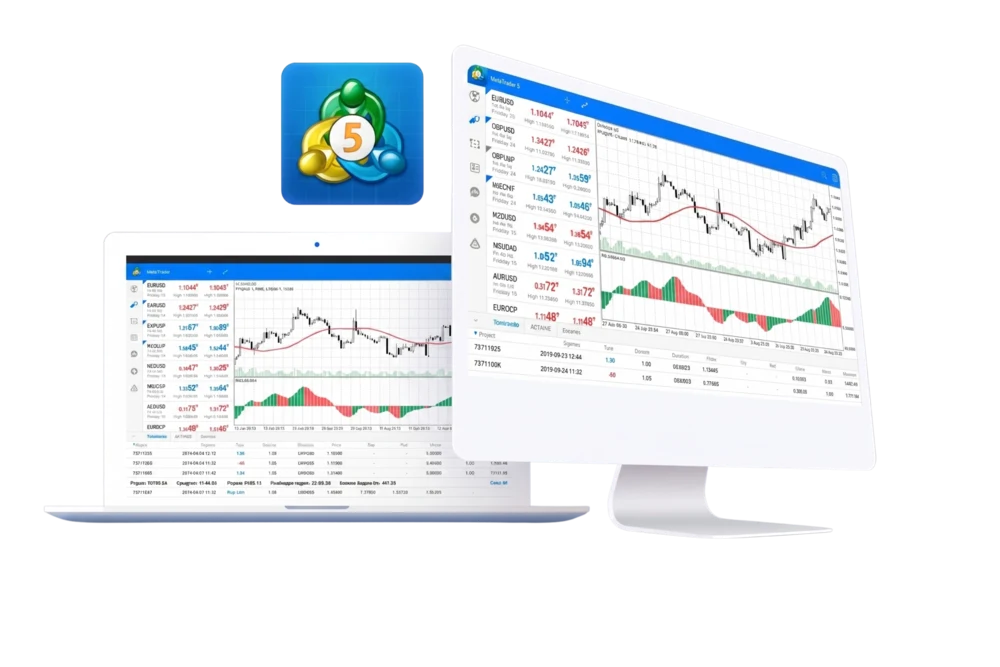
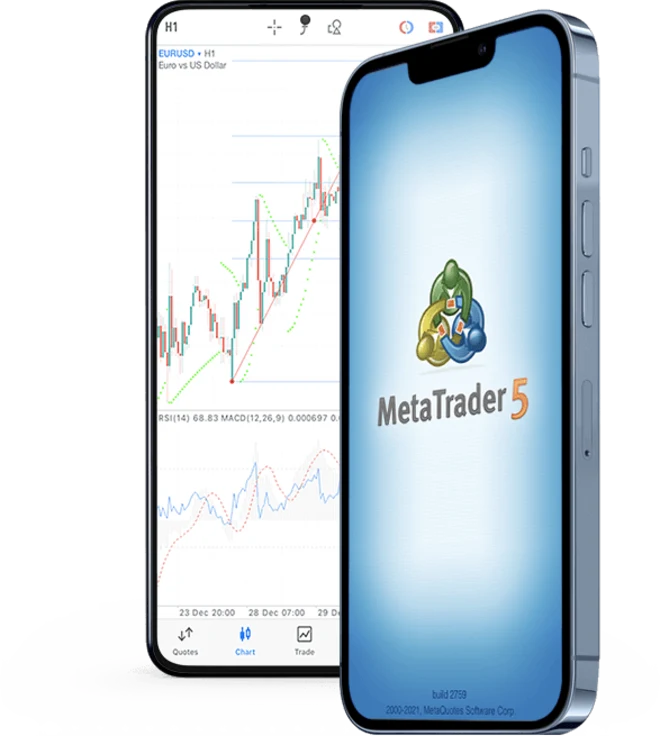
Desktop
Download the full platform for your computer.
What is MetaTrader 5?
MetaTrader 5 (MT5) is the world’s most widely used multi-asset trading platform. Developed by MetaQuotes, it brings together in a single environment everything you need to analyse the markets and trade: professional charts, dozens of indicators, advanced orders, automated trading and a built-in economic calendar.
With VexPro you use it with the VexPro-Server server and a single account that travels with you between your browser, your computer and your phone, always in sync.
What you can do with MetaTrader 5.
A professional toolbox to analyse, trade and automate, available on any device.
Advanced charts and 21 timeframes
Analyse any asset from 1 minute to 1 month with 3 chart types (candles, bars and line) and smooth history scrolling.
38+ built-in indicators
Moving averages, RSI, MACD, Bollinger, Ichimoku and dozens more, ready to apply to any instrument.
Technical analysis and graphical objects
44 graphical objects: trends, channels, Fibonacci, Gann and Elliott tools to mark your key levels.
Expert Advisors and automated trading
Automate your strategy with robots (EAs), trading signals and custom indicators written in the MQL5 language.
6 pending order types
Market, Limit, Stop and Stop-Limit, plus Stop Loss and Take Profit to manage your risk with precision.
Depth of Market (DOM)
View available liquidity and price levels to trade with full transparency.
Economic calendar
Follow the world’s most relevant macro events right in the platform, without leaving the terminal.
Alerts and push notifications
Set price or event alerts and receive them on your phone even with the app closed.
Multi-device with synchronisation
Your account, history and orders travel with you across web, desktop and mobile, always up to date.
Why choose MT5.
The reasons why millions of traders choose MetaTrader 5 as their main platform.
Multi-asset
Trade Forex, metals, indices and commodities from a single unified platform.
Fast execution
Orders processed in milliseconds on international-grade infrastructure.
Automated trading
Run Expert Advisors 24/5 and backtest your strategies with historical data.
Security
End-to-end encryption between your terminal and the trading server.
Available everywhere
Web Trader, Windows desktop and iOS/Android apps with the same account.
The industry standard
The world’s most used multi-asset platform, trusted by millions of traders.
Available on all your devices.
One account, synced across your browser, your computer and your phone.
Web Trader
Trade from your browser, nothing to install. Also ideal for Mac.
Instant access to charts, orders and your history from any computer with an internet connection.
Open Web TraderDesktop (Windows)
The full platform for your computer.
Maximum performance for advanced analysis, multiple charts and unlimited Expert Advisor execution.
Download for WindowsStep-by-step installation guide.
Choose your device and follow the steps. On all of them you will use the VexPro-Server server and your client area credentials.
- 1
Download the installer
Click "Download for Windows" and save the vexpro5setup.exe file to your computer.
- 2
Run the installer
Double-click the downloaded file and follow the wizard until the installation is complete.
- 3
Open MetaTrader 5
When it finishes, the platform opens automatically. If not, look for it in the Start menu.
- 4
Log in
In File → Login, select the VexPro-Server server and enter the account number and password from your client area.
- 1
Open the web terminal
Click "Open Web Trader": it runs in your browser, nothing to install.
- 2
Select the server
Choose the VexPro-Server server on the connection screen.
- 3
Log in
Enter the account number and password you received when opening your account.
- 4
Start trading
Add instruments, open charts and place orders directly from the browser.
- 1
Download the app
Tap "Mobile iOS" to install MetaTrader 5 from the App Store.
- 2
Find the server
Open the app, tap "Login to an existing account" and search for VexPro-Server.
- 3
Log in
Enter your account number and password to connect.
- 4
Enable notifications
Allow push notifications to receive your price and event alerts.
- 1
Download the app
Tap "Mobile Android" to install MetaTrader 5 from Google Play.
- 2
Find the server
Open the app, choose "Login to an existing account" and search for VexPro-Server.
- 3
Log in
Enter your account number and password to connect.
- 4
Enable notifications
Allow push notifications so you never miss an alert.
On any device, always select the VexPro-Server server and log in with the account number and password from your client area. The connection between your terminal and the server is encrypted end to end.
Learn to use MT5.
New to MetaTrader 5? Our guide walks you through everything from installation to your first trade, with screenshots and simple explanations.
MetaTrader 5: first stepsFrequently asked questions.
Is MetaTrader 5 free?
Yes. Downloading and using MetaTrader 5 with your VexPro account is completely free, on desktop, web and mobile.
Which server should I use?
Always the VexPro-Server server. You select it when logging in on any device; your credentials are the ones from your client area.
Can I use Expert Advisors (EAs)?
Yes. MT5 lets you run trading robots, custom indicators and signals written in MQL5, as well as backtest with historical data.
Does it work on Mac?
Yes. The recommended way on macOS is the Web Trader, which runs in the browser with nothing to install. You can also use the iOS app on iPhone and iPad.
Where do I get my credentials?
You receive your account number and password when you open your account in the client area. From there you can also recover or change them.
Do my trades sync across devices?
Yes. It is the same account on web, desktop and mobile: your orders, history and positions stay synced in real time.

Trade with confidence.
Work with structure.
Grow with VexPro.
Open your account today and trade the world’s markets with the backing of a global financial group.